
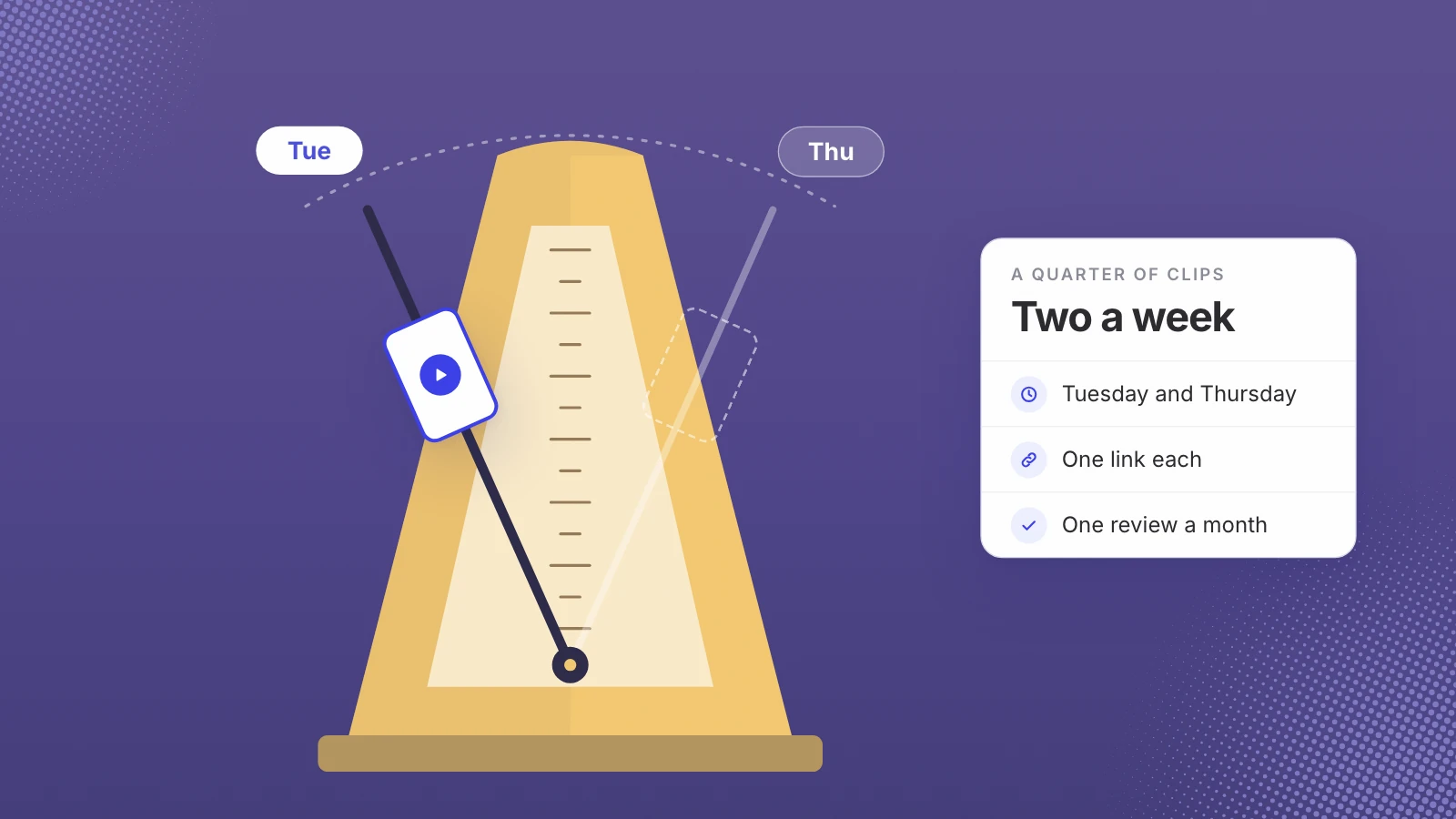
Post two to three webinar clips a week, each answering one buyer question. Lead with LinkedIn for B2B buyers and post the same clip to Instagram Reels or YouTube Shorts. Give every clip its own tracked link with utm_source, utm_medium, utm_campaign and utm_content, and judge clips by visits and demo requests, not views.
The hard part of webinar clips isn’t cutting the first one. It’s still posting in week nine, when the launch is over and nobody has time. A cadence solves that, as long as it is one your team can keep and every clip can be traced to what it did.
Pick a rhythm you can hold for a quarter, then measure every clip the same way.
How often should you post webinar clips?
For LinkedIn, the most useful public data I’ve found is Buffer’s analysis of more than 2 million posts from 94,000+ accounts. It found that “posting 2 to 5 times weekly on LinkedIn is the sweet spot for improving reach,” with “+1,182 more impressions per post and a 0.23 percentage point lift in engagement rate” compared with posting once a week. The study looks at text, image, video and document posts together, so it isn’t a video-only result, but it’s a reasonable floor.
For webinar clips, I’d start at two a week and move to three once you have a month of approved clips banked. Two a week for a quarter is 26 clips; three is 39. That’s a lot of moments, which is why the library matters more than the calendar. The way to fill it is in turning a webinar library into a quarter of clips.
Which channels?
| Channel | Why I’d use it | What the platform accepts |
|---|---|---|
| My first pick for software buyers and the people they work with | Video up to 15 minutes and 5 GB, aspect ratios from 1:2.4 to 2.4:1 (LinkedIn Help) | |
| Instagram Reels | A second channel for the same clip, and a home for the more human moments | Aspect ratio between 1.91:1 and 9:16 (Instagram Help Center) |
| YouTube Shorts | A third channel, next to your full recordings if they live on YouTube | Square or vertical, up to 3 minutes (YouTube Help) |
Cut each clip once in vertical and post the same file to every channel. All three accept a 9:16 frame. The time belongs in finding good moments, not in making a different version for each platform.
A weekly routine
This fits in about an hour a week once the library is indexed and the question list exists:
- Monday: pick the questions. Choose this week’s two or three buyer questions, rotating themes so the same one doesn’t run twice in a row.
- Monday: approve the clips. Watch each candidate once on a phone with the sound off, then once with it on. Check names, numbers and anything that may be out of date.
- Tuesday and Thursday: post. The same days every week, so your team knows when to comment and reshare.
- The same day: reply. Answer comments within the day. A good question in the comments is a future clip’s topic.
- Friday: check the numbers. Ten minutes in your analytics: clicks, visits and demo requests for each clip. Note which question pulled best.
Give every clip its own tracked link
Views and likes tell you a clip was shown. Demand gen needs to know whether it brought anyone to you, and for that you need a tracked link per clip. Campaign parameters added to a URL show up in Google Analytics’ traffic acquisition report, and Google’s URL builder guide says “you should always use utm_source, utm_medium, and utm_campaign.” It describes utm_content as the parameter to “use to differentiate creatives,” which makes it the natural home for the clip’s name.
| Parameter | What it holds | Example |
|---|---|---|
| utm_source | The channel | linkedin, instagram, youtube |
| utm_medium | The kind of post | social-clip |
| utm_campaign | The quarter or the program | webinar-clips-q1 |
| utm_content | The clip itself | setup-time-answer |
Write the values the same way every time, so one campaign never appears under two spellings. Point the link at the page that matches the clip: the full recording for a clip that teases a longer answer, a product page for a how-it-works clip, a demo page for an objection clip. On LinkedIn the link can sit in the post text or the first comment; on Instagram, in the first comment or your bio.
What to measure, and what to ignore
- Clicks per clip. The first sign the answer made someone want more.
- Visits and demo requests by utm_content. The numbers that connect a clip to pipeline.
- The question behind each clip. Over a quarter, you’ll see which themes pull and which don’t.
- Views, with care. Useful for spotting a strong first line, not for deciding what to post next.
Review monthly rather than daily. One clip’s numbers are noisy; four weeks of the same theme is a pattern. Keep the themes that bring visits, retire the ones that don’t, and send the winners’ questions back to sales, since they now have proof of what buyers click on.
How long can a library keep this up?
Often longer than a quarter, if the recordings are good. At Wayo, two panel recordings from one hiring panel day, 17.5 and 9.2 minutes long, became 18 reels and 30 days of posts across two channels. A library of years of webinars holds far more, as long as the speakers are on camera; what makes a recording worth mining is in what makes a webinar clippable.
Where Leo fits
Leo was built to run this cadence, so we have a commercial interest in you keeping it. Leo indexes every recording, finds the 60 to 90 second moments by meaning, cuts and captions them, and schedules them; if no moment matches, it doesn’t post filler. The Pro plan adds hourly trend matching, post metrics, audience ranking and click tracking in the first comment. Leo posts to Instagram Reels today, with YouTube Shorts in beta for invited accounts, so on LinkedIn you’d post the clip yourself. Pricing follows the channels connected, posts published, hours of video indexed and workspaces. The page for software teams explains how it works with a webinar library.
If you want the clips without the Monday sorting, see how Leo runs a webinar library on a weekly schedule, then keep the tracked links and the monthly review whichever way you cut them.
Two clips a week, one link each, one review a month.
Sources
- Buffer, How often should you post on LinkedIn in 2026?
- LinkedIn Help, Video sharing troubleshooting
- Instagram Help Center, Reel size and aspect ratios on Instagram
- YouTube Help, Upload YouTube Shorts
- Google Analytics Help, URL builders: collect campaign data with custom URLs
Written by Lera Leonteva. Prices and rules change; each one is linked to its own page, read November 2026.