
Start with recordings where one speaker fills the frame, list the questions your buyers ask, and search the transcripts for answers that stand alone in 60 to 90 seconds. One clip a week fills a 13-week quarter; two fill 26 slots. Give each clip its own tracked link so you can see which answers bring buyers back.
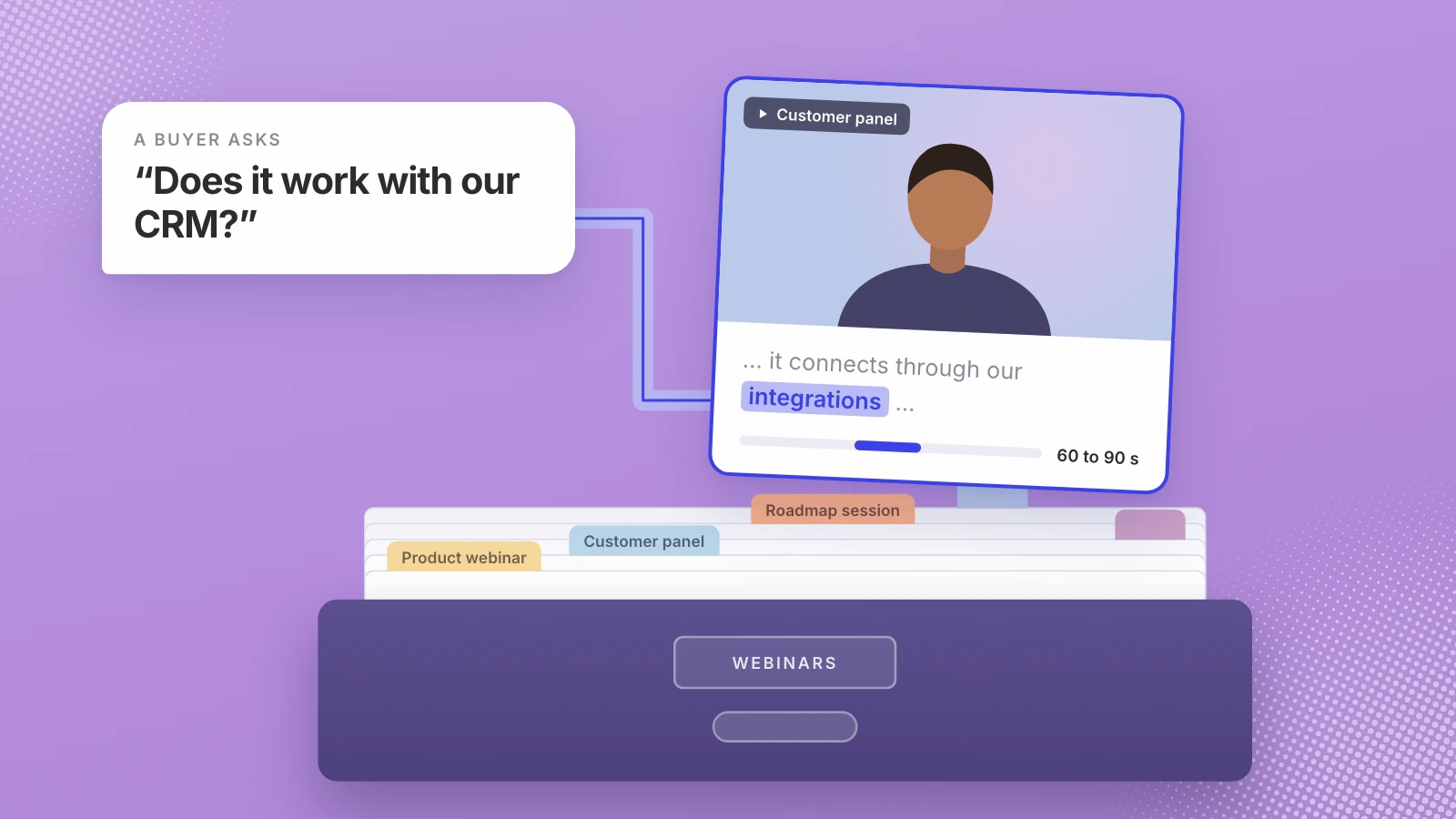
Most software companies have more webinar footage than anyone will watch again. A product webinar, a customer panel, a roadmap session: each took weeks to plan, ran for most of an hour and went into a folder. The recordings still hold the answers buyers are looking for. The work is getting those answers out in pieces short enough to post.
Don’t start from the recordings. Start from the questions.
Why the back catalogue is worth the work
Webinars hold attention for a long time, which is why each one holds so many possible clips. ON24’s 2026 benchmarks report, built on webinars run on its own platform, says “the average number of attendees rose to 239 in 2025” and “the average duration of webinar engagement remained steady at 49 minutes.” Forty-three percent of attendees watched on demand, and ON24 calls making recordings available on demand “one of the lowest-cost, highest-reward ways to maximize the value of webinar content.”
Read the other way, those numbers describe a reach problem. A good webinar is seen by a couple of hundred people who registered, and then it sits. Short clips can reach the people who would never give you an hour. In Wyzowl’s 2026 survey, 63% of people said they would most like to learn about a product by watching a short video. The survey is small, 266 respondents, so read it as a direction rather than a precise number.
Step 1: sort the library by how well it will cut
Recordings are not equal. The honest lesson from cutting clips at Leo: recordings where one speaker fills the frame cut well, and slide-only recordings give much less to cut. A face talking to camera can be reframed to vertical and still look like someone talking to you. A slide with a voice over it shrinks to an unreadable rectangle on a phone.
| Recording type | How well it cuts | When to use it |
|---|---|---|
| Talking-head webinar, one presenter on camera | Well | Start here |
| Customer or expert panel with cameras on | Well, one speaker at a time | Start here |
| Product demo with the presenter on camera | Partly; the screen-only stretches need care | Second |
| Slides with a voice over them | Poorly | Last, for quotes and topics |
| Internal all-hands or training | Varies | Only with sign-off to make it public |
Go through the folder once and tag each recording with its row, the date, the speakers, and anything now out of date: an old price, a renamed feature, a speaker who has left. A clip that shows last year’s price is worse than no clip.
Step 2: list the questions your buyers ask
A clip works when it answers a question somebody already has. Before you open a single recording, write the questions down, in the buyer’s words, from four places:
- Questions sales hears on first calls, and the objections that stall deals.
- The Q&A at the end of past webinars, which often holds the best answers in the recording.
- Support tickets that start with “how do I” or “can it”.
- The comparisons buyers make: you against a spreadsheet, you against the tool they use now.
Thirty questions is a good first list. Group them into four or five themes. Those themes become your weekly rotation.
Step 3: find the moments by question
Now search for answers, not files. With transcripts, that means searching every recording for the words a buyer would use, then listening to the minute around each hit. A usable moment has four things:
- One question, one answer. If the speaker answers two questions in the same breath, that’s two clips or none.
- It stands alone. No “as I said earlier”, no reference to a slide the viewer can’t see.
- 60 to 90 seconds. Long enough to make the point, short enough to finish.
- A first sentence that works as a hook. It should tell a stranger why to keep watching. If it doesn’t, start the clip at the sentence that does.
Searching by meaning beats searching by keyword, because buyers and presenters rarely use the same words. A buyer asks “does it work with our CRM?” while the presenter talks about “integrations”. A keyword search for one misses the other.
Step 4: plan the quarter
A quarter is 13 weeks. One clip a week is 13 clips; two a week is 26. Start with one or two and only go up when the library has the moments to support it. Rotate themes so the same topic doesn’t run two weeks in a row:
| Week | Theme | The kind of clip |
|---|---|---|
| 1 | The problem | A presenter on what goes wrong without a tool like yours |
| 2 | How it works | A short answer to the most common “how do I” question |
| 3 | Proof | A customer on a panel describing their result in their own words |
| 4 | Objection | The answer to the question that stalls deals |
| 5 | Comparison | Why teams switch from what they use now |
| 6 to 13 | The same rotation | New moments, same themes |
Leave one slot a month open for a clip from your newest webinar, so the channel isn’t only the archive.
Step 5: cut each clip for a phone
- Reframe to vertical around the speaker’s face.
- Burn in captions, and check names and product terms by hand.
- Add the speaker’s name and role on screen.
- Pick a cover frame where the speaker looks engaged, not mid-blink.
- Cut the dead air at the start, so the clip opens on the first useful word.
Step 6: measure what each clip does
Views tell you a clip was shown. They don’t tell you whether it brought anyone back. Give every clip its own tracked link, so a visit to your site traces back to the exact clip. Google’s Analytics help says that when adding campaign parameters, “you should always use utm_source, utm_medium, and utm_campaign,” and describes utm_content as the one to “use to differentiate creatives.” Use the campaign for the quarter and the content tag for the clip.
At the end of each month, sort the clips by visits and demo requests, not views. Keep the themes that bring people back, retire the ones that don’t, and go back to the library for more moments like the winners.
Where Leo fits
This is the job we built Leo for, so read this section as our pitch. Leo indexes footage by splitting it into short segments, transcribing and embedding them, so the right 60 to 90 second moment is found by meaning rather than by file name. Each clip edits itself: trimmed, reframed from sideways to vertical, with burned-in captions, speaker tags and a cover frame. Leo posts on a schedule through each platform’s official sign-in, and if nothing in the library matches, nothing is posted. Instagram Reels is live today; YouTube Shorts is in beta for invited accounts. The page for software teams shows how it runs on a webinar library.
Two results from our case studies show the scale. KBW, a software services company, started a brand-new channel: 2,000 views on its first video, ten times the engagement in the first week, and more than 700 content assets it hadn’t used. At Wayo, two panel recordings of 17.5 and 9.2 minutes became 18 reels and 30 days of posts across two channels.
If your webinar folder is full and your feed is quiet, start small: pick the five recordings with a speaker on camera, write down thirty buyer questions, and count how many answers you find. See how Leo turns a webinar library into weekly clips.
Thirteen weeks, one buyer question at a time.
Sources
- ON24, Key takeaways from the 2026 Webinar Benchmarks Report
- Wyzowl, Video marketing statistics 2026
- Google Analytics Help, URL builders: collect campaign data with custom URLs
Written by Lera Leonteva. Prices and rules change; each one is linked to its own page, read November 2026.