
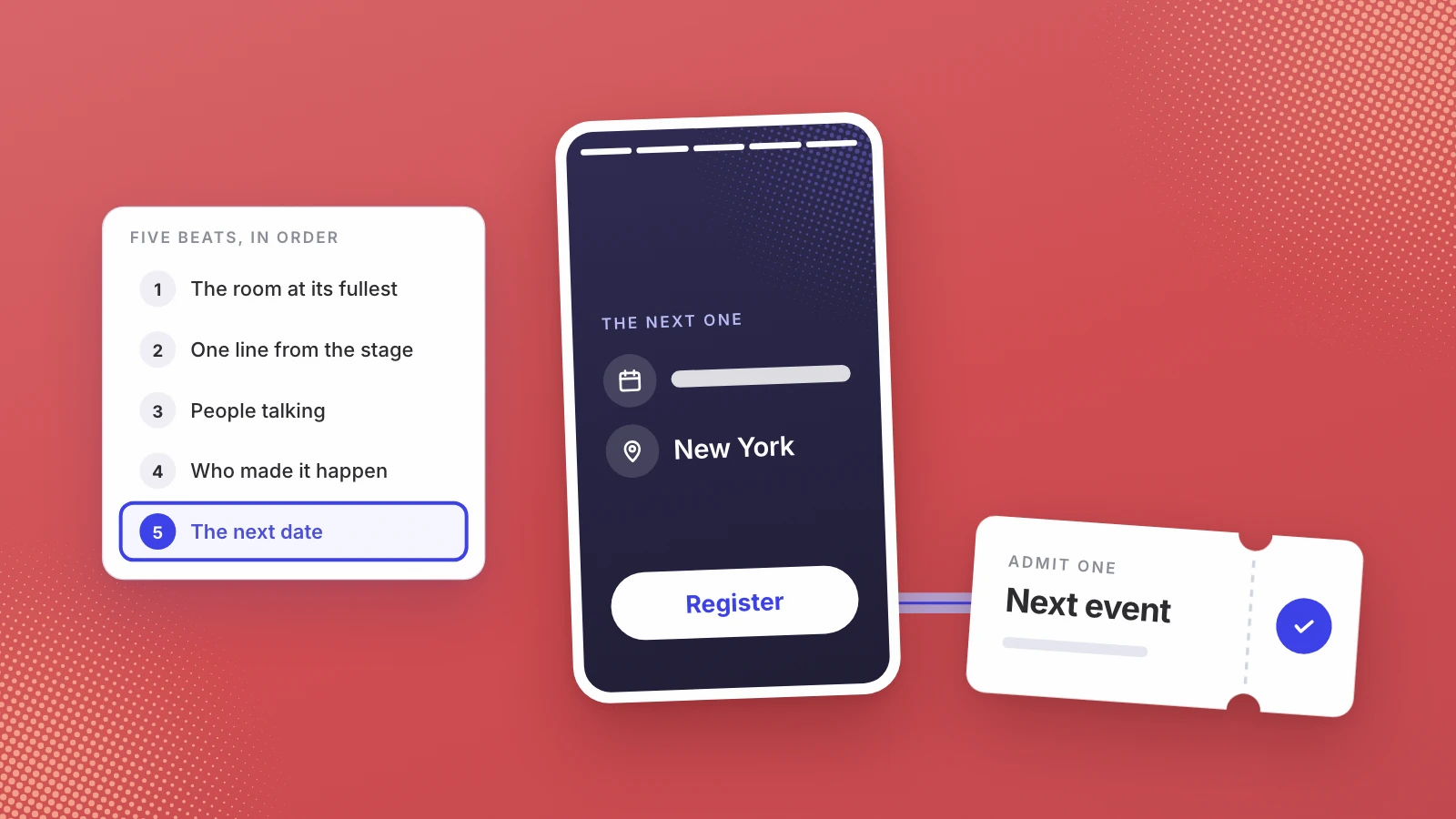
A recap that sells the next ticket opens on the room at its fullest, gives one captioned line from the stage, shows guests talking and ends on the next date and where to register. Keep the social cut to 30 to 60 seconds, export it vertical and wide, post it within the first week, and put it on the ticket page.
Most event recaps are made for the people who were there. They get watched once, shared by a few guests and forgotten. The recap worth the edit is made for the people who weren’t there, and its real job is to sell a ticket to the next one.
Treat the recap as the first ad for the next event: a strong opening, one line worth repeating, and the next date at the end.
What should an event recap video show?
Five beats, in this order. Each can be a few seconds; the whole thing rarely needs more than a minute.
- The room at its fullest. Open on the busiest wide shot you have: a full row, a crowd at the bar, a queue at the door. LinkedIn’s advice for video ads is to show “the most impactful content in the first 10 seconds” (LinkedIn video ad specs), and the same logic holds in any feed.
- One line from the stage. Pick the single sentence a speaker said that someone who missed it would want to hear, and caption it. One strong line beats a montage of five speakers caught mid-sentence.
- People talking to each other. Close shots of guests in conversation say more about an event than the venue does. This is what a ticket buys, so show it.
- Who made it happen. Hosts, partners and sponsors, briefly. A logo on the backdrop or on a short end card is enough.
- The next date and where to register. End on the date, the city and one place to sign up. A recap without the next date is a memory, not an invitation.
What to leave out: the full agenda, slow pans across an empty room before doors, and every speaker’s name in turn. Those belong in the session recordings, not in the recap.
How long should an event recap be?
Shorter than the footage tempts you to make it. Each platform sets its own limits, and some say outright what they recommend:
| Where it runs | What the platform says | What I’d cut |
|---|---|---|
| Instagram Reels | Up to 20 minutes, but “Reels over 3 minutes won’t be recommended to new audiences” (Instagram Help) | 30 to 45 seconds |
| LinkedIn video ad | 3 seconds to 30 minutes, with 15 to 30 seconds recommended (LinkedIn) | 30 seconds |
| LinkedIn post | Up to 15 minutes (LinkedIn Help) | 60 to 90 seconds |
| YouTube Shorts | Vertical videos up to 3 minutes (YouTube Help) | 30 to 60 seconds |
| Eventbrite event page | A carousel video of 1 minute or less, 9:16 recommended (Eventbrite Help) | Under 60 seconds |
The right-hand column is my opinion, not a platform rule. The people you want are strangers scrolling past, and the recap has to make its case before they move on. LinkedIn also notes that videos under 30 seconds loop until there are at least 30 seconds of playback, which gives a short cut a second pass at the viewer.
Which shapes should you export?
At least two, cut separately rather than cropped from one master:
- Vertical 9:16 for Reels, Shorts and the Eventbrite carousel.
- Wide 16:9 for YouTube, your website and LinkedIn. LinkedIn accepts aspect ratios from 1:2.4 to 2.4:1 in the feed, and its ad specs list 4:5 as the recommended vertical ratio.
- A still for the listing. Luma asks for a square cover image and warns against logos or text in the far corners, because it rounds them. Pull a frame from the recap rather than using a stock photo.
For Ship & Sip Vol. 2 at the Microsoft Experience Center in New York, the brief was music-led, few talking heads, LinkedIn first. Thirteen minutes of footage became four ads, each in vertical and landscape, so 8 ad files, plus 23 cover photos, delivered 4 days after the event (the Ship & Sip case study).
When should you post the recap?
While the guests still care. The days right after an event are when attendees reshare, tag each other and tell colleagues they were there. A recap that lands three weeks later has lost its most willing distributors. Ship & Sip’s ad files arrived 4 days after the night, and the last reel went out 10 days after (the welcome reels case study).
Then keep going. A recap is one post, and the same footage holds a month of them. Wayo’s two panel recordings from one hiring panel day became 18 reels and 30 days of posts across two channels (the Wayo case study).
Two Instagram features help the recap sell. If the next date is set, a feed post can carry a reminder: professional accounts can add one when the post is created at least one hour and at most 3 months before the event, and people who opt in are notified 24 hours before, 15 minutes before and at the start (Instagram Help). The app can also schedule up to 25 posts a day, up to 30 days ahead, though collaborative and sponsored posts can’t be scheduled (Instagram Help), so plan to publish those by hand.
Put the recap where people buy tickets
The ticket page is the most overlooked place for a recap. On Eventbrite, a video in the event carousel must be an MP4 or MOV of 1 minute or less, at least 480p and no larger than 1GB, and you must own it or have permission to use it. Eventbrite reviews uploaded videos and says approval can take up to 24 hours, so upload it the day before you announce. A longer cut can go in the event overview as a YouTube or Vimeo link.
If the next event isn’t listed yet, put the recap on your own site next to a signup form, so the people it convinces have somewhere to go.
Two cuts from one night
One recap rarely does every job. For Narrativ by AK’s “Storytelling as GTM” panel, the raw recordings had misheard captions and a shaky wide shot. We fixed both and made a 68-second captioned cut and an 84-second documentary cut with title cards and music (the Narrativ case study). That pairing is a useful template: a short captioned cut for feeds, and a slightly longer one with more atmosphere for the ticket page and the newsletter.
If you want the recap made for you
We film New York events and cut the clips, so we have a commercial interest here. Every package, from $450 for one hour on the main panel to $2,000 for multiple cameras and stage lighting, includes the social clips, and Leo can schedule more clips from the same footage after the recap goes out. See how we film and cut events. For what other New York studios charge, see what an event videographer costs in New York.
If your next event already has a date, write the recap brief backwards from it: the line you want strangers to hear, the date the video ends on and the page it sends them to. Our page for event organizers has the packages, and a call is the quickest way to plan the shots around that brief.
Make the recap for the people who weren’t in the room.
Sources
- Instagram Help Center, Record a reel on Instagram
- LinkedIn Marketing Solutions Help, Video ads advertising specifications
- LinkedIn Help, Video specifications for LinkedIn posts
- YouTube Help, Get started creating YouTube Shorts
- Eventbrite Help Center, Add images and video to your event
- Luma Help, Event cover images
- Instagram Help Center, Create Instagram posts with reminders for your event
- Instagram Help Center, How to create and manage scheduled posts and Reels
Written by Lera Leonteva. Prices and rules change; each one is linked to its own page, read November 2026.