
You can edit a listing video yourself in a free app such as Instagram’s Edits or CapCut, hire a freelance editor (Upwork puts typical rates at $6 to $25 an hour), send the footage to a listing video editing service ($29 to $199 a video on the pages I read), or film and post with Lot70 from $4 a post.
Editing is where most listing videos stall. The tour got filmed, the footage is on your phone, and the clip still needs trimming, captions, the price and the brokerage on screen before it can go up. I compared what each route costs using only prices the companies publish on their own pages, read in November 2026. Prices change, so check each page before you buy.
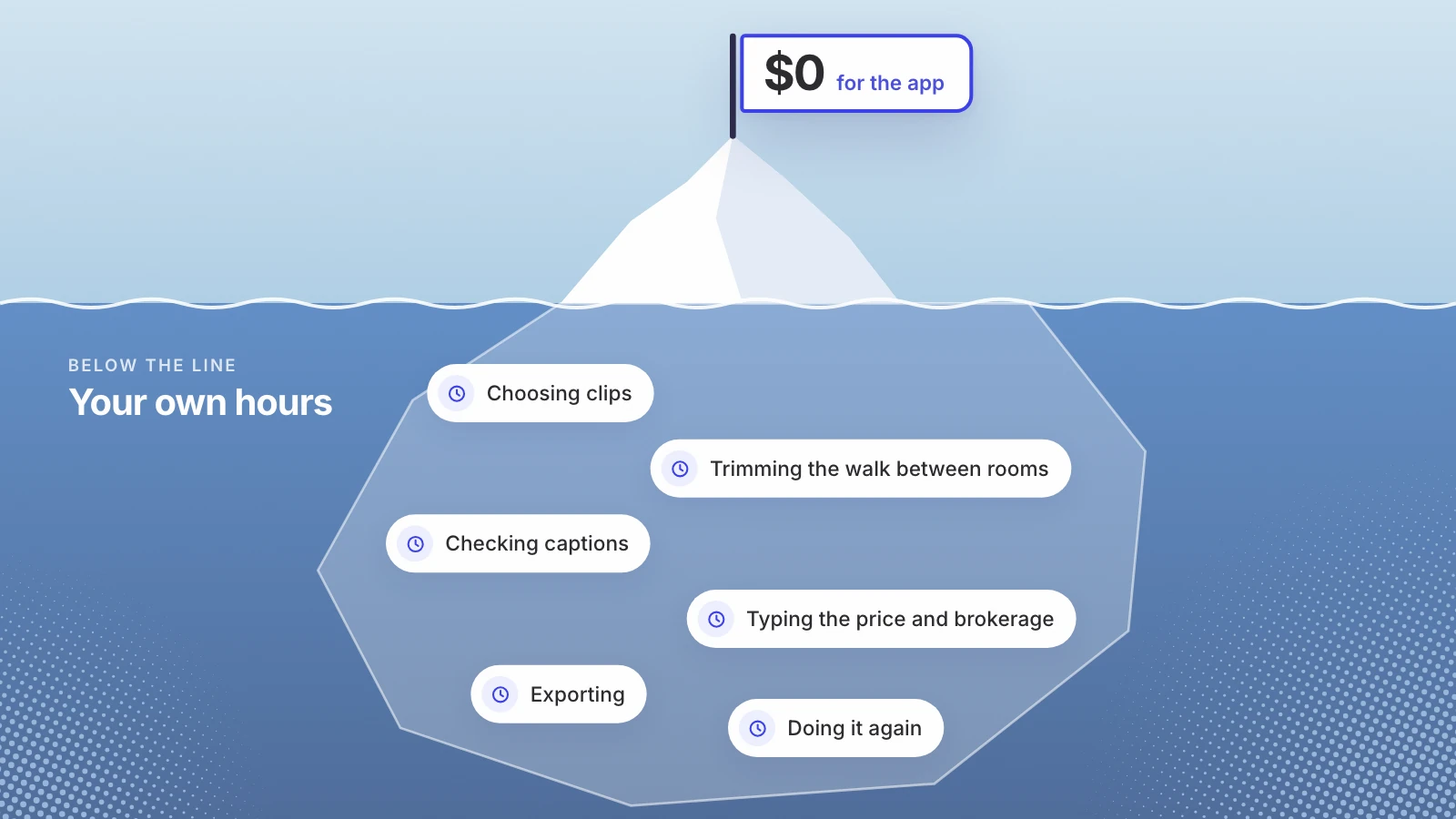
The cheapest route in dollars is usually the most expensive in your own hours.
Four ways to get a listing video edited
| Route | Published price | Turnaround | What it takes from you |
|---|---|---|---|
| Edit it yourself in Edits or CapCut | Edits is free; CapCut has a free plan, and Pro at $19.99 a month | As fast as you edit | All of the editing |
| A freelance editor, for example on Upwork | Typically $6 to $25 an hour | Agreed with the editor | Finding, briefing and reviewing |
| A listing video editing service | $29 to $199 a video on the three pages below | Under a day to 4 business days | Uploading footage, a brief, a review round |
| Lot70, our phone app | First seven posts per channel free, then from $4 a post | About a minute after filming | Filming the tour |
Editing it yourself
Two free apps cover most of what a listing Reel needs. Instagram’s own editing app, Edits, “is available globally and free for download in the App Store and Google Play Store,” and lets you “export and post wherever you’d like without a watermark,” according to Meta’s launch post. CapCut’s pricing page lists a free plan, and Pro at USD 19.99 a month or USD 179.99 a year, with a note that displayed pricing is for reference only.
The app is the cheap part. What you pay in is time: choosing clips, trimming the dead walking between rooms, checking captions, typing the price and the brokerage, exporting, and doing it again when a room looks wrong. For one listing a month, that’s fine. For three a week, it becomes a second job.
If you edit yourself, build a template once: the same font, the same spot for the price and the brokerage, the same end card. Every listing after the first gets faster, and your feed looks like one person made it.
Hiring a freelance editor
Upwork’s cost page says video editors on its marketplace “typically cost $6 - $25 per hour, though rates vary with project scope.” It splits them into tiers: entry level below $30 an hour with a median of $10, mid tier at $31 to $60 with a median of $40, and senior at $61 to $150 with a median of $100. Those are rates for video editing in general, not real estate in particular.
A freelancer suits agents who list steadily and want one person to learn their style. The cost beyond the rate is management: finding someone, sending a brief and a sample of the look you want, getting the footage to them, and reviewing each cut. Before you hire, ask three things: the turnaround, how many revision rounds are included, and whether a vertical version costs extra.
Listing video editing services
Several companies edit real estate footage for a flat price a video. You upload the footage and a short brief, and a finished file comes back. Here is what three of them publish:
| Service | Published price | What the price covers | Turnaround |
|---|---|---|---|
| Phixer | Agent social media reel from $29; basic listing video from $65; premium from $129 | The reel is vertical 9:16 with animated titles, branding and licensed music; basic is a wide 16:9 walkthrough, and premium adds 4K and drone footage | 24 to 48 hours, with 12 hour options |
| Styldod | Real estate reels $60; property video editing $80 | On reels, $10 per 5GB over 20GB and $20 per extra 30 seconds | 2 to 4 business days |
| ListingCut | $99, $149 or $199 a listing | $99 is one wide video up to 60 seconds; $149 adds a vertical Reel cut and captions; $199 adds a teaser and drone footage | 48 hours; a 24 hour rush is $40 more |
Read the small print on three things:
- Is the vertical version included? On some services the wide walkthrough is the product and the Reel is extra. ListingCut, for one, charges $35 for an extra vertical cut.
- How much footage can you send? A phone tour in 4K gets large quickly, and Styldod charges by the gigabyte past 20GB.
- Whose name is on it? Phixer says unbranded MLS versions come with its basic and premium videos. For a social post in New York you need the brokerage on the clip, so ask for a branded version too (what New York requires on a listing post).
Filming and posting with Lot70
The fourth route skips editing as a separate step. Lot70 is our phone web app, so we have a commercial interest in this row. You open it on your phone, film a tour of up to five minutes through the camera, and in about a minute it cuts a vertical clip with captions and graphics. There’s no app to install and no file to upload. Talk while you film, or stay silent and it adds a voiceover. While it cuts you add the address, price, beds and baths, and your brokerage’s name goes on the clip. It posts to Instagram or YouTube Shorts from your own account, and the upload is deleted in 24 hours.
Pricing: the first seven posts on each connected channel are free, then $4 for one post, $16 for five in a week or $39 for fifteen in a month, by Apple Pay or card. Buying a pack removes the Lot70 mark. It’s for licensed New York real estate brokers and salespersons, 18 or over.
Lot70 is not an editing service. There’s no editor to brief and no way to send in drone footage. It suits agents who’d rather film a tour and post it the same afternoon than wait for an edit. For a luxury listing that deserves a wide cinematic walkthrough, color grading and aerials, a service’s premium tier or a videographer is the better buy.
How to choose
- One listing a month, and you don’t mind editing: a free app and a template.
- A steady flow, and you want one consistent look: a freelancer who learns your style, or a flat-rate service.
- A high-end listing with drone footage and a wide walkthrough: a premium tier from a service, or a videographer who shoots and edits.
- Several showings a week, posted the same day from your phone: Lot70.
Whichever you pick, work out the cost per post, not per month or per hour. A subscription costs the same whether you post once or thirty times; a per-video service costs the same every time; your own evening has a price too. Add your hour to every route before you compare them.
Editing can’t rescue a shaky, dark tour, so the footage matters as much as the edit. If you haven’t filmed yet, the shot list is in Realtor Reels from one tour.
If speed is your problem rather than polish, try it on this week’s showing: film the tour with Lot70 and compare the clip with what an editor would have charged you for it.
Pay for editing where it shows. Skip it where speed matters more.
Sources
- Meta for Creators, Introducing Edits: make great videos on your phone
- CapCut, Pricing
- Upwork, How much does hiring a video editor cost?
- Phixer, Real estate video editing services
- Styldod, Real estate video editing services
- ListingCut, Real estate video editing
Written by Lera Leonteva. Prices and rules change; each one is linked to its own page, read November 2026.