To turn one keynote into a personal brand channel, first confirm you have the right to clip the recording, then cut it by idea rather than by time, so each clip makes one point on its own. Burn in captions, put your name and a hook on screen, pick a cover frame, and post to Reels and Shorts on a schedule you don’t run.
Most consultants and speakers have the same thing sitting in a folder: one good keynote on video, watched once by the people in the room and by a few more online. Meanwhile their social channels are either empty or fed with posts written between client calls. The talk is the better material. It is the thinking they were invited to give, delivered at their best, in their own voice.
Turning it into a channel is not a filming problem. It is a cutting and posting problem, and it follows the same five steps every time.
One talk is enough to start a channel if every clip carries one idea and the posting runs without you.
Why one keynote is enough to start a channel
A keynote is dense. TED’s own rules note that most TEDx talks are 18 minutes or less, and a well-built talk of that length makes several distinct points, each with a story or an example behind it. Each of those points can stand on its own as a clip, and some can be cut more than one way.
Eric Solomon, the speaker and author behind The Human OS, is a good example. He had one TEDxRiverdale talk on video, “Robots are here. Are we?”. Leo cut it into captioned vertical clips with his name, motion graphics, hooks and covers, posted on new Instagram and YouTube accounts. The result: 81 YouTube videos by 14 September, 69 Instagram Reels, and 3 podcast recordings booked (the full case study).
“I like the video, but I don’t know what to do with it.”
Eric Solomon, The Human OS
That sentence is the usual starting point. The video exists; what is missing is a plan for it.
First, check who owns the recording
Before cutting anything, find out what you are allowed to do with the footage. The event, the organizer or a production company may hold the recording, and your speaker agreement may say how clips can be used. Ask the organizer for the original file and for permission in writing.
TEDx talks have their own published rules. TED’s TEDx rules say speakers sign a TEDx Speaker Release giving TED and others the right to edit and distribute the video, and that “TEDx team members and TEDx speakers can use up to a 60-second excerpt from a TEDx Talk for non-commercial, social media use only”, with each clip tagging the official TEDx account. TED’s licensing help page says all TEDx talks are under a Creative Commons BY-NC-ND license, and that uses outside it need a media license from TED’s distribution team. If your talk was a TEDx talk, read both pages and ask TED before you plan anything beyond that.
Cut one idea per clip
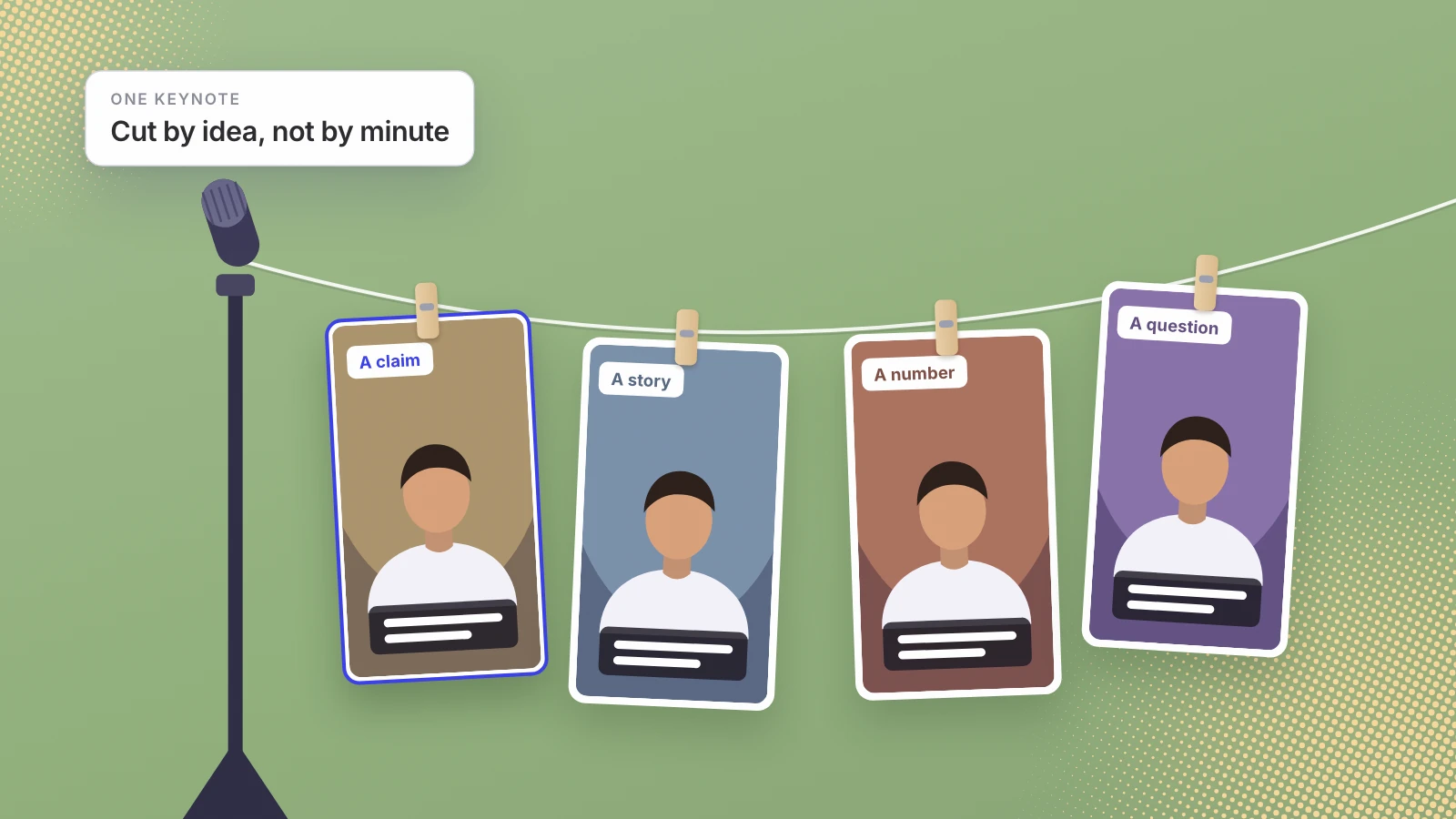
A common mistake is cutting a keynote by time, a minute here and a minute there. Cut it by idea instead. Each clip should make one point and make sense to someone who never saw the rest of the talk.
- Get a transcript. Read the talk instead of watching it. Ideas are easier to spot on the page.
- Mark every claim, story, number and question. A claim the audience might argue with is usually the strongest clip. A story with an ending is next.
- Cut out the set-up. Start each clip at the line that makes the point, not at “so, the next thing I want to talk about”.
- Drop anything that needs a slide. If the moment only works with the slide behind you, it won’t work on a phone.
- Check each clip stands alone. Show it to someone who wasn’t there. If they ask what it means, it needs a different start or end.
Leo does the finding by meaning. It splits footage into short segments, transcribes and embeds them, so a moment is found by what you said rather than by where it sits in the file.
Make every clip watchable on mute and recognizably yours
Four finishing touches turn a cut into a post that builds a personal brand:
- Burned-in captions. They let the clip work for anyone watching with the sound off, and they let a viewer read your exact phrasing, not just hear it.
- Your name on screen. A viewer who likes the idea should know whose it is without tapping through.
- A hook as the first line. A short line of text that says why the next minute is worth it.
- A cover frame. The still that represents the clip on your profile grid. Pick a frame where your face shows the point.
On Leo, each clip is trimmed to the moment, reframed from a sideways stage shot to vertical, and given burned-in captions, a speaker tag with your name and a cover frame. You pin a few reels whose look you like and Leo matches it, so you never write a style guide.
Where to post, and how long each clip should be
Start with Instagram Reels and YouTube Shorts, because they take the vertical clips a talk turns into. YouTube says Shorts can be up to 3 minutes long, and Instagram’s head, Adam Mosseri, announced that Instagram supports reels “up to three minutes long”. Those are ceilings. I’d let each idea set its own length and keep most clips under a minute, because a single point rarely needs more.
If your existing accounts have been quiet for years, a new account built around the talk can be cleaner than reviving an old one; Eric’s clips went to new accounts. On Leo, Instagram Reels is live and YouTube Shorts is in beta for invited accounts.
Keep it running without becoming a content creator
The part that fails is not the first week. It is week six, when client work takes over. That is why the posting has to run on a schedule you don’t touch. Leo schedules the clips to your connected accounts and has one hard rule: if nothing fits, nothing is posted, so the feed never fills with filler on a busy week.
Then add to the library. The next keynote, a panel, a podcast you guest on, a recorded workshop: each one deepens the pool of ideas the schedule draws from. Rough footage is usable too: Narrativ by AK’s panel recordings had misheard captions and a shaky wide shot, and Leo fixed both and cut a 68-second captioned version and an 84-second documentary cut (the panel case study).
If you have one good talk on video and nowhere to put it, send it to Leo for consultants and speakers and we’ll show you the clips in it before you decide anything. The personal branding service explains what happens after that, and Leo for consultants shows how Eric’s talk became two channels.
Your best thinking is already recorded. Cut it by idea, caption it, and let the schedule carry it.
Sources
- TED, TEDx rules
- TED Help, How do I license TED or TEDx content?
- YouTube Help, Get started creating YouTube Shorts
- Adam Mosseri on Threads, Reels up to three minutes long
Written by Lera Leonteva. Leo AI turns speakers’ recorded talks into clips, so we have a commercial interest in this subject. Platform and TED rules are linked to their own pages, read 8 November 2026; none of this is legal advice.