
Use Instagram’s Export your information tool in Meta Account settings or Accounts Center: pick the profile, export to your device or an external service, and set the date range, format and media quality. It can take up to 30 days, and you then have 4 days to download it. Keep your original video files separately too.
A backup is the cheapest account insurance there is. It costs an afternoon, it doesn’t depend on anyone at Instagram answering an email, and it is the one thing you can’t do after an account has gone. Instagram has its own export tool, and it covers more than most people assume. It is still not the whole answer, because the most valuable files a business owns never lived on Instagram in the first place.
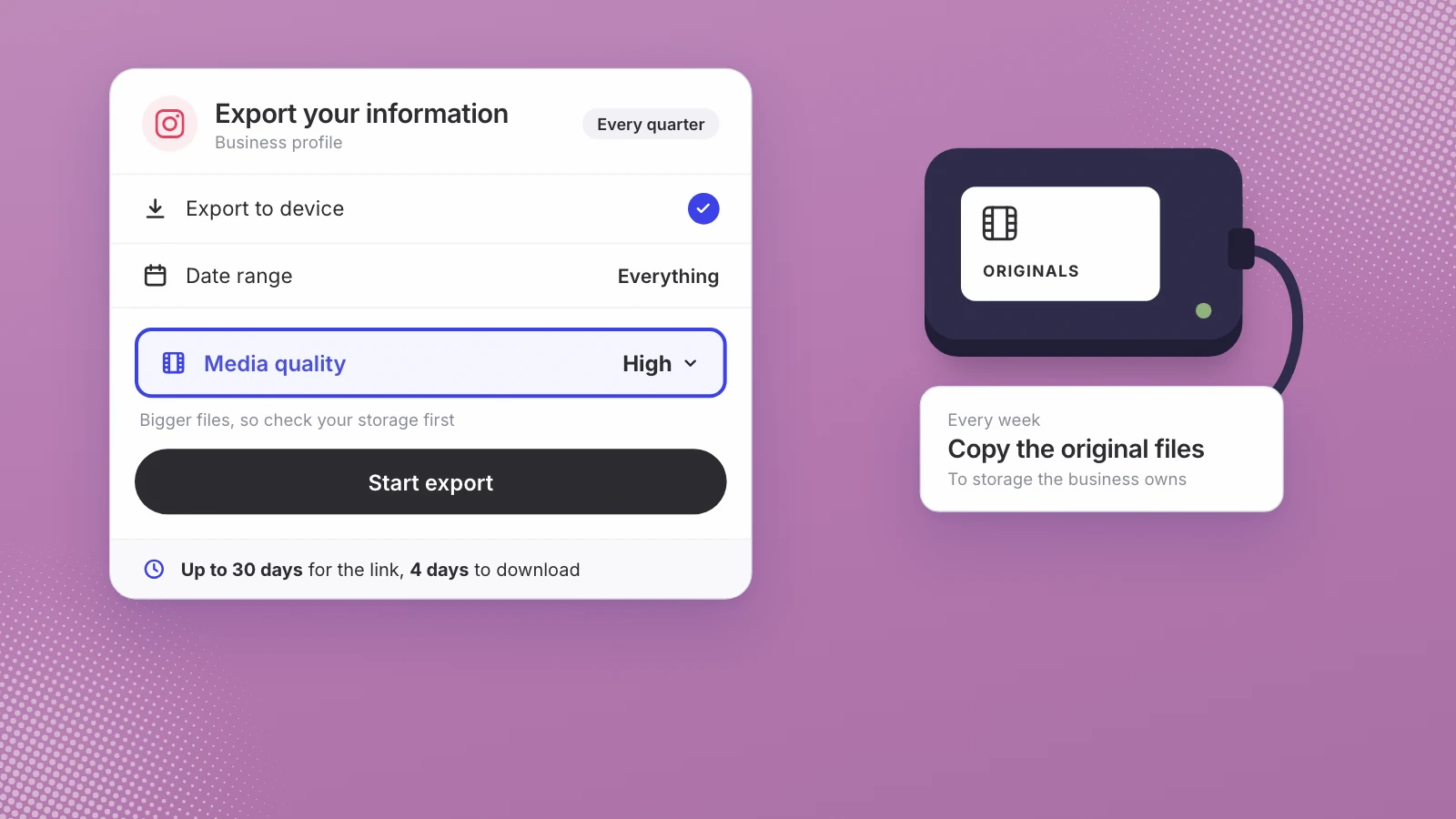
Export your information every quarter, and copy your original video files somewhere you own every week.
How do you back up an Instagram business account?
Instagram calls the tool Export your information. Depending on your account, it sits in Meta Account settings or in Accounts Center; Instagram’s help page says it is gradually moving people to Meta Accounts. The steps, from that page:
- Open the export tool. In Settings, open Meta Account (or Accounts Center), then Your information and permissions, then Export your information.
- Create an export and pick the profile. Tap Create export and select the Instagram profile you want to back up.
- Choose where it goes. Export to device gives you files to download. Export to external service sends them to a service you connect, and lets you choose how often the export runs.
- Choose what, when and how good. For a device export you can pick specific types of information, a date range, a format, the notification email and the media quality. High-quality videos make bigger files, so check your storage first.
- Start the export and wait. Instagram says it may take up to 30 days to email you an export link.
- Download it within 4 days. Once it’s ready, you have 4 days to download it from Available downloads in the export tool.
- Open it, then store it twice. Check that the videos play. Keep one copy on a drive the business owns and one in cloud storage under the business’s name, not an employee’s.
Instagram describes exporting as “a password-protected process that only you have access to,” so the export has to be run by whoever holds the account’s own login. Be wary of anyone who offers to do it for you; why I wouldn’t pay anyone to get an account back explains how those offers tend to work.
What does the Instagram export include?
For a device export, the help page lists eight types of information:
- Your Instagram activity, from different areas of Instagram
- Personal information you gave when you set up the profile
- Connections: who you’ve connected with, and how
- Logged information, such as location and search history
- Security and login information
- Apps and websites off Instagram
- Preferences
- Ad information: your interactions with ads and advertisers
Two details matter for video. First, the help page says that when you export to an external service, “you can export a copy of the original media you shared on Instagram like photos and videos.” Second, Instagram offers two scopes: Available information, which leaves out data logs, and Specific types of information, which includes them and lets you pick just photos or messages. For a backup, take everything once, then use the date range for smaller top-ups.
What the export leaves out
This is the part worth knowing before you rely on it:
| Not in the export | What Instagram says | What to do instead |
|---|---|---|
| Content other people shared | Another person’s photos that you’re tagged in aren’t included | Ask partners for the files when you collaborate |
| Unsent messages | The file won’t include messages you’ve unsent (help page) | Keep customer conversations in your own records |
| Reel drafts | Drafts are saved on your device, and lost if you uninstall the app (help page) | Save drafts to your camera roll and back that up |
| Library music | Downloading a reel won’t save music added from Instagram’s library | Keep your own edit, and note the track you used |
| Older insights | Account insights cover periods within the past 90 days (help page), and the export’s list of types doesn’t name insights | Write down the numbers that matter each month |
| Deactivated profiles | You can’t export a deactivated profile or one scheduled for deletion | Export while the account is healthy |
Why the original files matter more than the export
The export gives you what you posted, and what you posted is not what you filmed. Instagram sizes photos down to a width of 1080 pixels, and a reel is a cut: trimmed, cropped to vertical and captioned. If you ever have to start again, on a new account or another platform, your posts are the least flexible version of your work. The camera files, at full quality and full length, are what you can cut again.
Two settings help on the phone. Save original photos, under Archiving and downloading, saves every photo you post to your phone’s library. For reels, Media quality has an Upload at highest quality toggle (Instagram Help), so the copy Instagram holds is as good as it can be. Neither replaces keeping the source file. The wider argument is in own the footage, rent the feed.
A backup routine for a business account
| How often | What to back up | Where it goes |
|---|---|---|
| Every week | New raw footage from phones and cameras, before a card or phone is cleared | Shared storage owned by the business |
| Every month | An export with a one-month date range, and a note of the month’s insights | The same storage, one folder per month |
| Every quarter | A full export of everything, at high media quality | A second location, such as an external drive |
| Before any big change | A full export before you hand over access, change owners or close a profile | Both locations |
If something is deleted by mistake in between, Instagram keeps it in Recently Deleted for 30 days, where it can be restored, except stories that aren’t in your archive, which go after 24 hours (Instagram Help). For a wider check of how exposed the account is, run the Instagram account risk audit.
If the account is already restricted
The export tool has limits you can’t work around. Instagram says a deactivated profile has to be reactivated before you can export it, and a profile scheduled for deletion needs the deletion cancelled first. If you can’t get into the profile at all, the help page says to contact Instagram. For what each account state means, see blocked, deactivated, deleted or banned, and for what to do next, the 30 day rebuild plan. Nobody can promise an account comes back.
Where Leo fits
Leo AI sells software that publishes video to Instagram, so we have a commercial interest in this topic. Leo indexes the footage you give it, splitting it into short segments and transcribing them, so any moment can be found later by what was said. It connects through Instagram’s official sign-in, never asks for your password, and posts clips cut from your own footage through Instagram’s API. It can’t prevent moderation mistakes and it can’t recover accounts. See how it works for Instagram-first businesses.
Whether or not you use us, run the export this week while the account is healthy. Then decide where the original files will live, and make keeping them part of how the business works. Leo for Instagram-first businesses is one way to keep that footage searchable and ready to post, whatever happens to the feed.
The export is a copy of your account. Your original footage is what you’d rebuild from.
Sources
- Instagram Help Center, Review and export a copy of your Instagram information
- Instagram Help Center, Information available to download from your Instagram profile
- Instagram Help Center, What happens to content you delete on Instagram
- Instagram Help Center, Save and edit drafts of your reel on Instagram
- Instagram Help Center, Save Instagram photos to your device
- Instagram Help Center, Image resolution of photos you share on Instagram
- Instagram Help Center, Reel size and aspect ratios on Instagram
- Instagram Help Center, Select a date range for your account insights
Written by Lera Leonteva. Prices and rules change; each one is linked to its own page, read November 2026.