Build the video around the product, not a presenter. Show it doing its main job at real speed, put one idea per on-screen text card in your buyers’ own words, and add captions and music. Buyers are checking whether it works, and the product working answers that better than a face.
Hi, I’m Lera. The Launch editions of Video Scaling Strategies are about one problem: getting a launch video made when nobody wants to be on camera.
Back in May I was on a call with someone on our team, going through how we explain Leo to people, and I ended up admitting something that was a little awkward to say out loud. We had been pitching founders on launching with a video, which a lot of founders are doing anyway, and yet, in my own words on that call: “Ironically I did not have my own video, and I absolutely hate the idea of getting myself on camera.”
What she suggested was much simpler than anything I had been pitching. She said she would just show “someone actually uploading a video and just using all the features that you’d want to highlight,” because people really just want to understand what the product actually does before they commit to anything. It sounds almost too obvious to be useful, but the longer I’ve thought about it, the more I think it was most of the answer.
Why do launch videos stall on who goes on camera?
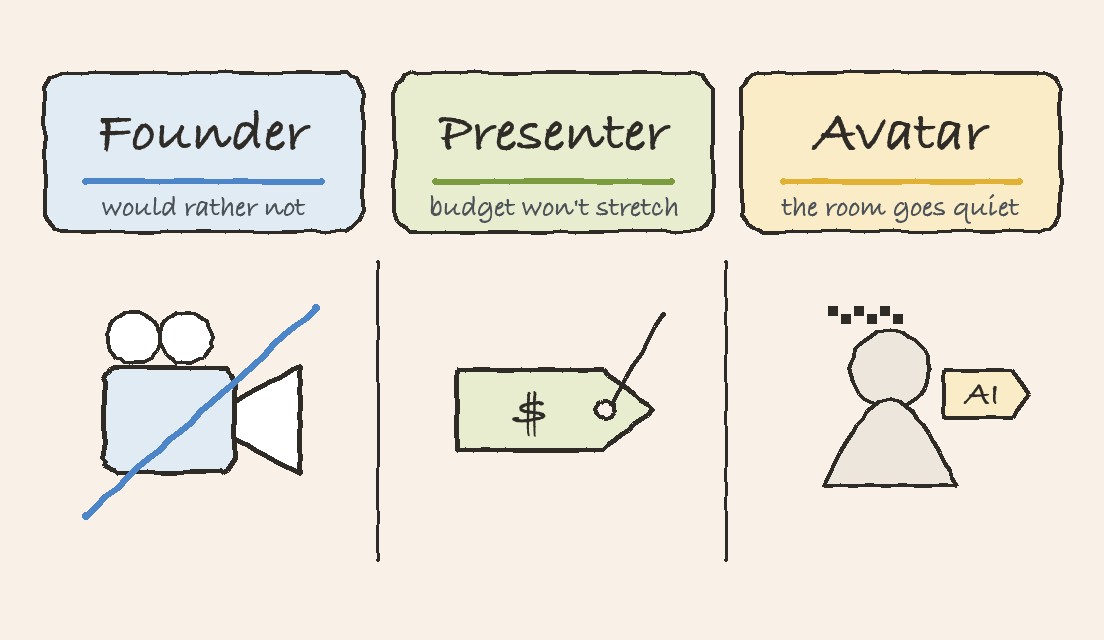
My guess is that a lot of the launch videos that never get made stall in roughly the same conversation. The product is ready, the page is ready, the date is set, and then someone asks who is going to be in the video. The founder would rather not, the budget doesn’t really stretch to hiring a presenter, someone suggests trying an AI avatar, and the room goes a bit quiet, because nobody is quite sure whether that is a clever idea or an embarrassing one.
I’ve been the founder in that conversation, and I think the question itself is where it goes wrong, because it assumes the video needs a person in it at all.
What does a launch video need to show?
I should say that I’ve told clients that having a person in the frame tends to lift click-through on ads, and I still think that’s true for ads. A launch video is doing a different job, though. Someone watching it is mostly trying to work out whether the thing works, and whether it works for them, and a face explaining the product is really just standing in for that answer, while the product doing the job on screen is the answer itself.
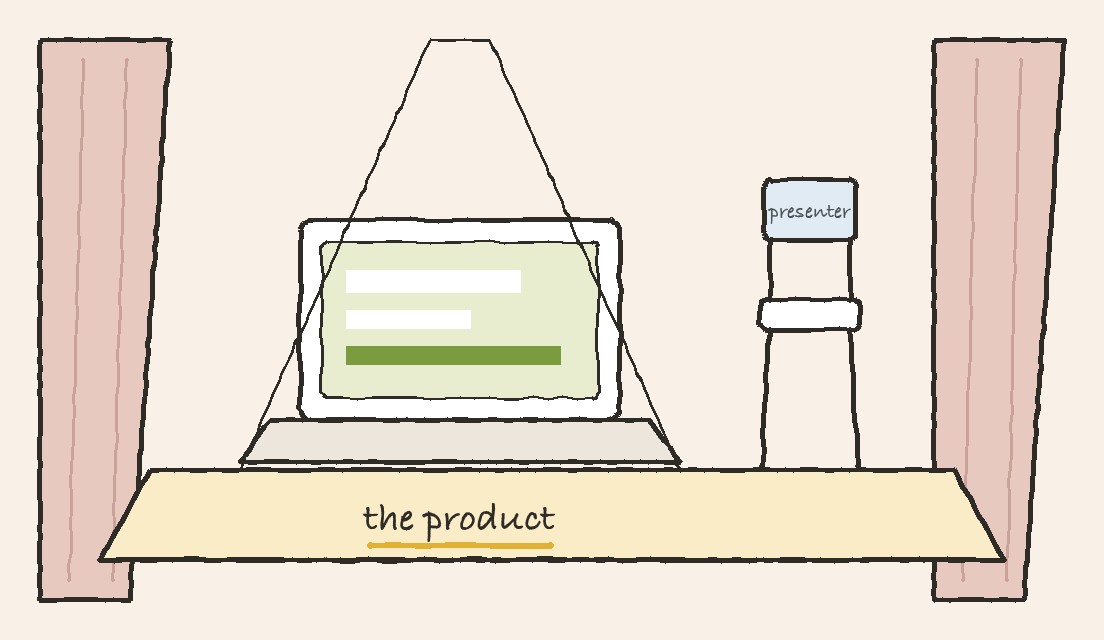
So rather than writing a script for a presenter, I’d start by listing the moments where the product proves something on its own: the screen finishing a task at real speed, the result sitting next to the old way of doing it, or the thing being used by someone who actually needs it.
Which shots carry a launch with no presenter?
I’d build it from five shots. Each one proves a single thing:
- The problem, in a line your buyers already use about it.
- The product doing its one job, at real speed.
- Before and after: the same task, the old way and then the new way.
- Someone using it for real: a beta tester’s screen, an onboarding call, a booth at an event.
- The ask: what it is, who it is for and where to get it.
I think most teams already have this footage somewhere: sales call recordings, onboarding sessions, the demo someone built for the board. The launch videos we make are cut from exactly that.
How do you explain a product without a voiceover?
Once there’s no narrator, the script moves onto the screen, so you end up with short text cards, one idea each and ideally in the words your buyers already use when they describe the problem, with captions for anything said in the footage and music doing the pacing that a voice would otherwise do.
It’s easy to think of that as the compromise version, but I don’t think it is. Most people are going to meet a launch video in a feed with the sound off, deciding in a second or two whether to keep watching, and text on screen survives that in a way a voiceover doesn’t.
Should you use an AI avatar instead?
I do understand the pull of an AI avatar, since it’s quick, it’s cheap and nobody has to sit in front of a camera, but I think it moves the risk somewhere else rather than removing it. A generated face asks the viewer to trust someone who doesn’t exist, and the platforms have started asking you to say so, which is something I’d like to come back to in a few weeks, because to me it’s a question about trust before it’s a question about policy.
For what it’s worth, Leo’s own launch film is just over a minute of product screens and graphics with a voice over them, and nobody presents it, including me. It’s on the page linked below if you’d like to see what that looks like in practice, and if you have a launch coming up where the question of who goes on camera is what’s holding things up, I’d start with a screen recording of the product doing its main job and see how far that gets you.
Sources
- Manatt, New York synthetic performer law: what advertisers need to know
- Manatt, California joins New York in requiring disclosure of synthetic performers in advertising
- TikTok, AI-generated content
- YouTube Help, Disclosing use of altered or synthetic content
Written by Lera Leonteva. This post is also Launch edition 1 of Video Scaling Strategies, Leo AI’s newsletter.