
To auto-post to Instagram with the official API you need four things: an Instagram Business or Creator account, that account linked to a Facebook Page, a Meta app with the content publishing permission approved through App Review, and a long-lived access token. Review takes a few days to two weeks, so submit early.
Hi, I'm Zionna. This is Video Scaling Strategies, where each week we dive into the latest market trends and consumer behavior to understand what's fueling the growth of video content.
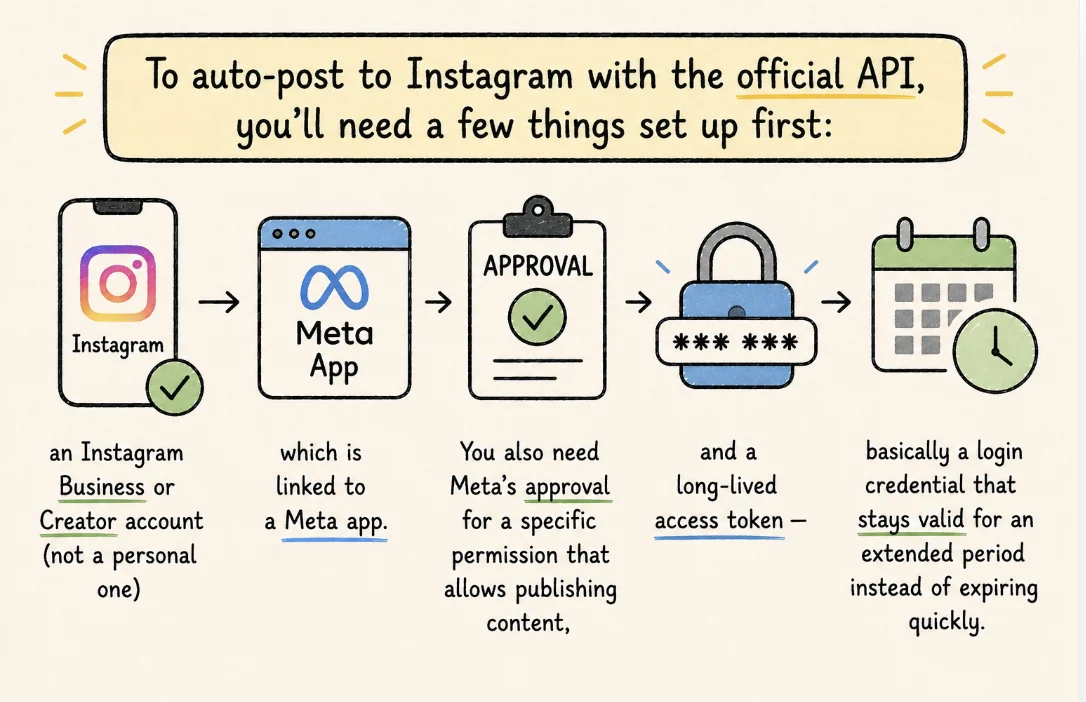
To auto-post to Instagram with the official API, you'll need a few things set up first: an Instagram Business or Creator account (not a personal one), which is linked to a Meta app. You also need Meta's approval for a specific permission that allows publishing content, and a long-lived access token — basically a login credential that stays valid for an extended period instead of expiring quickly.
Leo AI offers an auto posting feature, but you have to get API access to use it. The good part is: the setup is relatively easy, it just takes a few steps in the right order, and most of them only need to be done once.
Here's the whole process, broken down so you're not guessing what Meta actually wants from you.
| What you need | Why | Time |
|---|---|---|
| Business or Creator account | Personal accounts are excluded from the API | 1 minute |
| Linked Facebook Page | Meta routes permissions through Pages | 2 minutes |
| Meta app | The middleman that talks to Instagram | 10 minutes |
| Publishing permission | Not granted by default; needs App Review | Days to 2 weeks |
| Long-lived token | Short-lived tokens die in about an hour | 5 minutes |
Switch to a Business or Creator Account
Personal Instagram accounts can't touch the API. It's not an option, so this step isn't optional either.
Go to your Instagram settings, tap Account type and tools, and switch to either a Business or Creator account. Both work for API access. Business accounts tend to come with more insights and ad tools, so that's usually the better pick if you're deciding between the two.
Link Your Instagram Account to a Facebook Page
This is the step people forget, and then wonder why nothing connects later. Your Instagram professional account has to be linked to a Facebook Page, because Meta's permission system runs through Pages, not through Instagram directly.
In your Instagram settings, find Linked Accounts and connect it to a Page. If you don't have a Page yet, create one first — it takes about two minutes and doesn't need any content on it.
Create a Meta App
Head to developers.facebook.com and create a new app under the Business app type. This app is what actually talks to Instagram on your behalf — think of it as the middleman between your account and the API.
Once it's created, add the Instagram Graph API product to your app from the dashboard. That's the piece that unlocks posting, not just reading data.
Request the Right Permission
To post automatically, your app needs the content publishing permission. Meta doesn't hand this out by default — you have to submit your app for App Review and explain what you're using it for.
A short, honest description of your use case (auto-posting content for your own account or your clients') is usually enough. Screen recordings help your case, since Meta wants to see the flow in action, not just read about it.
Generate a Long-Lived Access Token
Once you're approved, you'll get a short-lived access token first — it expires in about an hour, which isn't useful for anything automated. You'll need to exchange it for a long-lived token, which lasts around 60 days and can be refreshed before it expires.
Meta's Graph API Explorer makes this exchange straightforward: you paste in your short-lived token, hit exchange, and get the long-lived version back. Save it somewhere secure — it's essentially the key to your account.
Connect Everything to Your Auto-Posting Tool
With your account linked, your app approved, and your token in hand, you're ready to plug it all into Leo AI. From here, it's just a matter of pasting in your credentials once, and the auto-posting handles the rest.